Blog
How I Check Whether A Localized Landing Page Leads To A Localized Checkout
Trace a purchase from the search result to the confirmation to find where local language and market details stop carrying through.
When I review a multilingual store, I follow a customer from the landing page to the first confirmation they receive. A service page can read naturally in Hebrew or French and still send people into a checkout designed for another audience. That might be manageable if the store tells them clearly what to expect. It becomes a problem when language, delivery area or currency changes in a way they only discover after selecting a product or entering personal details.
The most reliable audit starts with a small journey and a simple question. Can someone who begins in this language understand the offer, complete the transaction if eligible and recover from an ordinary mistake? A polished product page supplies only the beginning of that evidence.
Write Down The Promise Made By The Landing Page
I start from the page a new customer could reach through search. I write down the displayed language, market, currency, delivery promise and support route. If the page says something applies in Israel, I check which entity, region and order conditions the copy refers to. It is easy for a language label to be mistaken for geographic eligibility, especially when one language serves people in more than one country.
Then I select one item or service the customer can actually buy. A sample with a simple product is useful because it shows what the default flow does. I also pick a test item or destination that should be ineligible, such as a product a shop does not ship abroad. It gives me a way to evaluate the explanation a shopper receives before committing time to the form.
Check The Handoff Between Systems
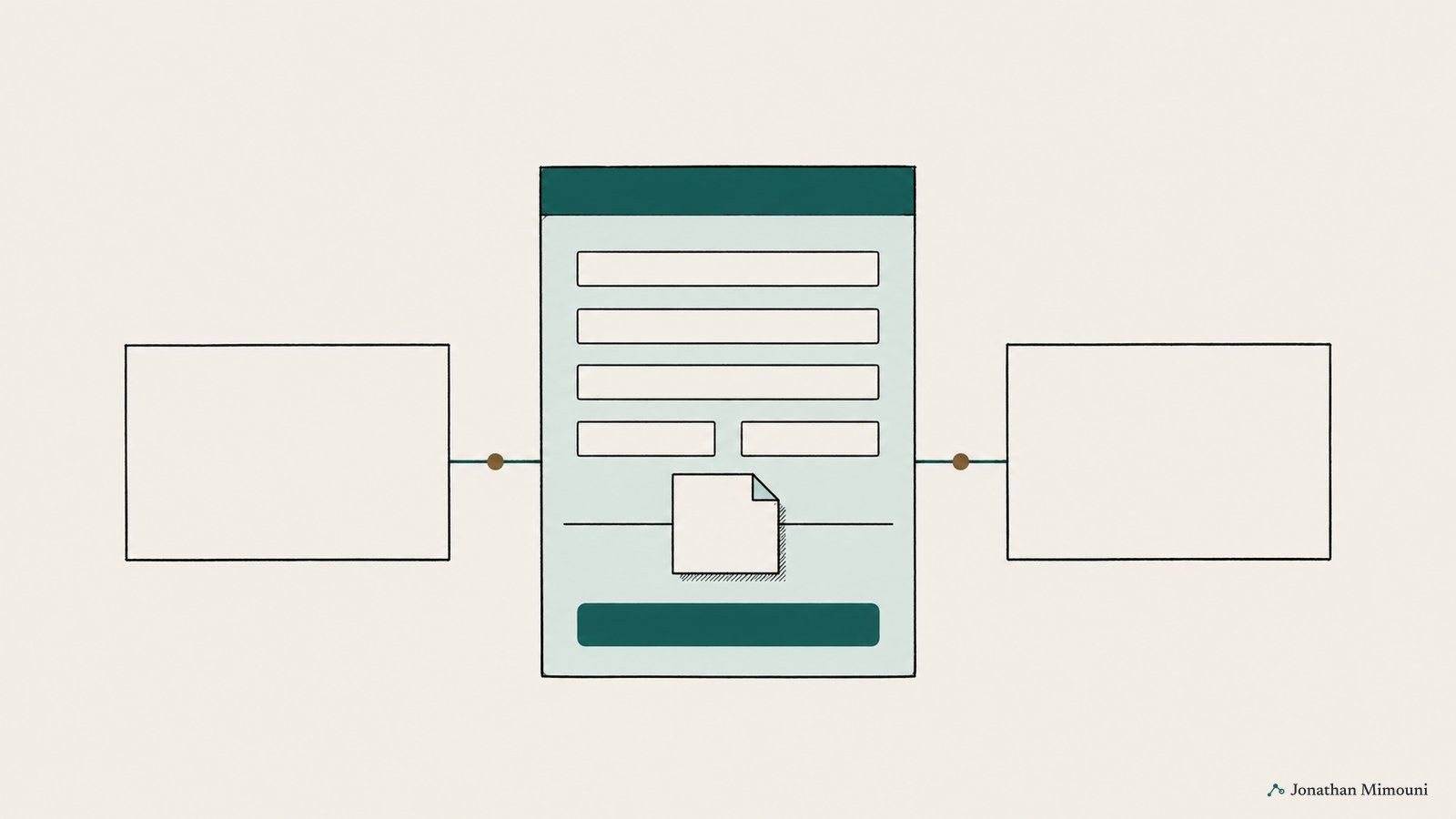
A landing page and its checkout may run on different software. I write down where the language or market status is passed between them and what happens if that information is missing. For example, a Hebrew product page could open an English payment page that displays Israeli shipping and the expected total. I would check whether the transition is disclosed and whether a buyer can complete the important steps safely in that setup.
I repeat the same flow in a signed-out browser so old settings cannot hide the default. Then I repeat it in a session that previously used another language. For stores where a provider handles payment, the external screen deserves the same practical check as the first-party page. I look for whether the user can understand what they are paying, which market the terms apply to, and how they can return to the cart.
Look For Failures In Forms, Errors And Confirmations
I pay particular attention to the form fields. An Israeli address may need details that a form built for another country does not expect. Enter only test values that the business has approved. Check whether the labels and error messages indicate what input is required, whether the relevant fields can be completed, and whether a customer can correct an error without losing the rest of the order.
I deliberately test a blank required field and one clearly invalid field. The error state may come from a separate localization table or from the payment provider. Those messages are where a customer learns what to fix. I also check headings, buttons, help links and the confirmation message, because those may be controlled by separate settings. If support opens in another language, buyers should still be able to find out whom to contact and what details are needed.
Separate Public Search Pages From The Purchase Session
Google’s multilingual site guidance recommends using a dedicated URL for each public language version. Its localized-page documentation explains how to signal which pages are language or regional alternatives with hreflang. Those recommendations help manage the pages people enter through search. A personal cart or a checkout state tied to a session serves a different purpose from a public landing page.
I check the localized navigation and the language switch on the page that makes the offer. A switch should give visitors a clear alternative. An automatic language guess can be wrong for people traveling, using a shared device or shopping in a preferred language. I test what happens to the item and the market setting when someone changes language, with particular care where the product and shipping conditions differ.
Decide What Should Block A Release
I make a short record that gives the team an owner for each issue. A message in the wrong language can be a minor annoyance. An impossible address field, a surprise currency or a policy that refers to the wrong country can prevent people from completing an order or understanding its conditions. I prioritize the issues that change what a person can buy or what they are agreeing to.
If the provider cannot translate a whole checkout, the business may still be able to set expectations before transferring the visitor and provide help at the handoff. I check that this matches the actual experience from a new session. I avoid treating a promise to fix the checkout later as evidence that the current shopper can finish it.
Make The Journey Easy To Retest
I leave the team two or three repeatable journeys with the exact product, language, destination and expected outcome. Add one test that should succeed, one that should be refused before payment, and one that changes language. When a cart integration or template is replaced, the team can rerun those same routes. It is easier to spot what has changed when the records include the destination and the precise point at which the earlier behavior stopped matching the landing page.
If your site changes language between the landing page and checkout, contact me on WhatsApp to review the journey.
Talk to Jonathan (opens in a new tab)Related posts
How I Would Keep A Landing Page A/B Test From Changing Its Search Signals
Set the URL rules for an A/B test before launch so the team can run it and clean up with confidence.
What I Would Do When Search Results Confuse Two Executives With The Same Name
A namesake problem is easier to address once readers can tell which career, role and public profile belong to each person.